
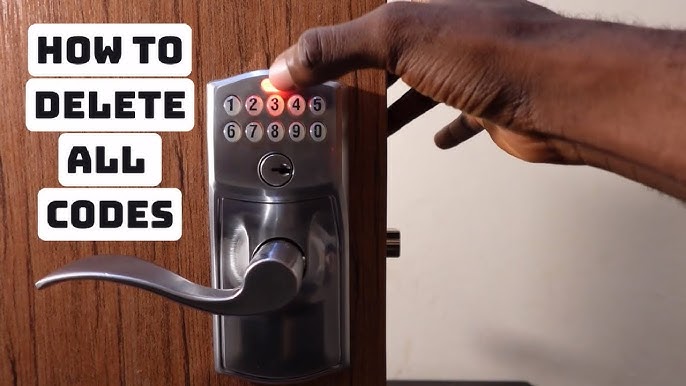
Changing the code on your Schlage door lock might seem tricky, but it’s actually simple and quick once you know the steps. You want to keep your home safe and make sure only the right people have access.
Whether you’re updating your code for extra security or giving a new code to a family member, this guide will walk you through every step. By the end, you’ll feel confident and in control of your door’s security. Keep reading—you’re just minutes away from mastering your Schlage lock code change.

Credit: www.youtube.com
Prepare Your Schlage Lock
Changing the code on your Schlage door lock keeps your home secure. Before you start, you need to prepare your lock properly.
This guide will help you get ready by gathering tools and finding the programming code.
Gather Necessary Tools
You need a few tools to change your Schlage lock code. Having these ready saves time and makes the process easier.
- A Phillips screwdriver to open the lock cover
- The user manual for your Schlage lock model
- A piece of paper and pen to note codes
- A flashlight if the area is dark
Locate The Programming Code
The programming code lets you change user codes on your lock. You must find it before you start.
This code is different from your user codes or PINs. It is usually found on a sticker inside the lock or in the manual.
- Remove the battery cover or lock cover carefully
- Look for a sticker with a six-digit code
- Check the user manual if you cannot find the code
- Keep the programming code safe for future use
Enter Programming Mode
Changing the code on a Schlage door lock is simple. You need to enter the programming mode first. This allows you to change settings on your lock.
Make sure you have the current programming code. This code is essential for making changes to your lock's settings.
Access The Keypad
Accessing the keypad is your first step. Look at the front of your lock to find the keypad. It is usually located above the handle.
Make sure the keypad is clean and ready to use. A clear and responsive keypad helps in entering codes correctly.
Input The Current Programming Code
Input the current programming code into the keypad. This code is the key to entering programming mode. It usually has six digits.
Once the code is entered, you will hear a beep. This sound means you are now in the programming mode.
- Press the "Schlage" button.
- Enter the six-digit programming code.
- Wait for the beep to confirm entry.
Change The User Code
Changing the user code on your Schlage door lock keeps your home secure. You can update codes easily using the lock's keypad.
Follow the steps below to select a user code slot, enter a new code, and confirm it on your Schlage lock.
Select The User Code Slot
First, choose which user code slot you want to change. Schlage locks store multiple user codes. Each slot has a number.
- Press the Schlage button to wake the lock.
- Enter your current programming code.
- Press the number for the user code slot you want to change.
Enter The New Code
After selecting the slot, enter the new user code using the keypad. Choose a code that is easy to remember but hard to guess.
| Code Length | 4 to 8 digits |
| Allowed Characters | Numbers 0-9 only |
| Tips | Avoid repeating or sequential numbers |
Confirm The New Code
Finally, confirm your new user code to save it in the lock system. This step ensures the code is recorded correctly.
- Re-enter the new user code on the keypad.
- Wait for the lock to beep or flash, signaling confirmation.
- Test the new code to make sure it works before closing the door.
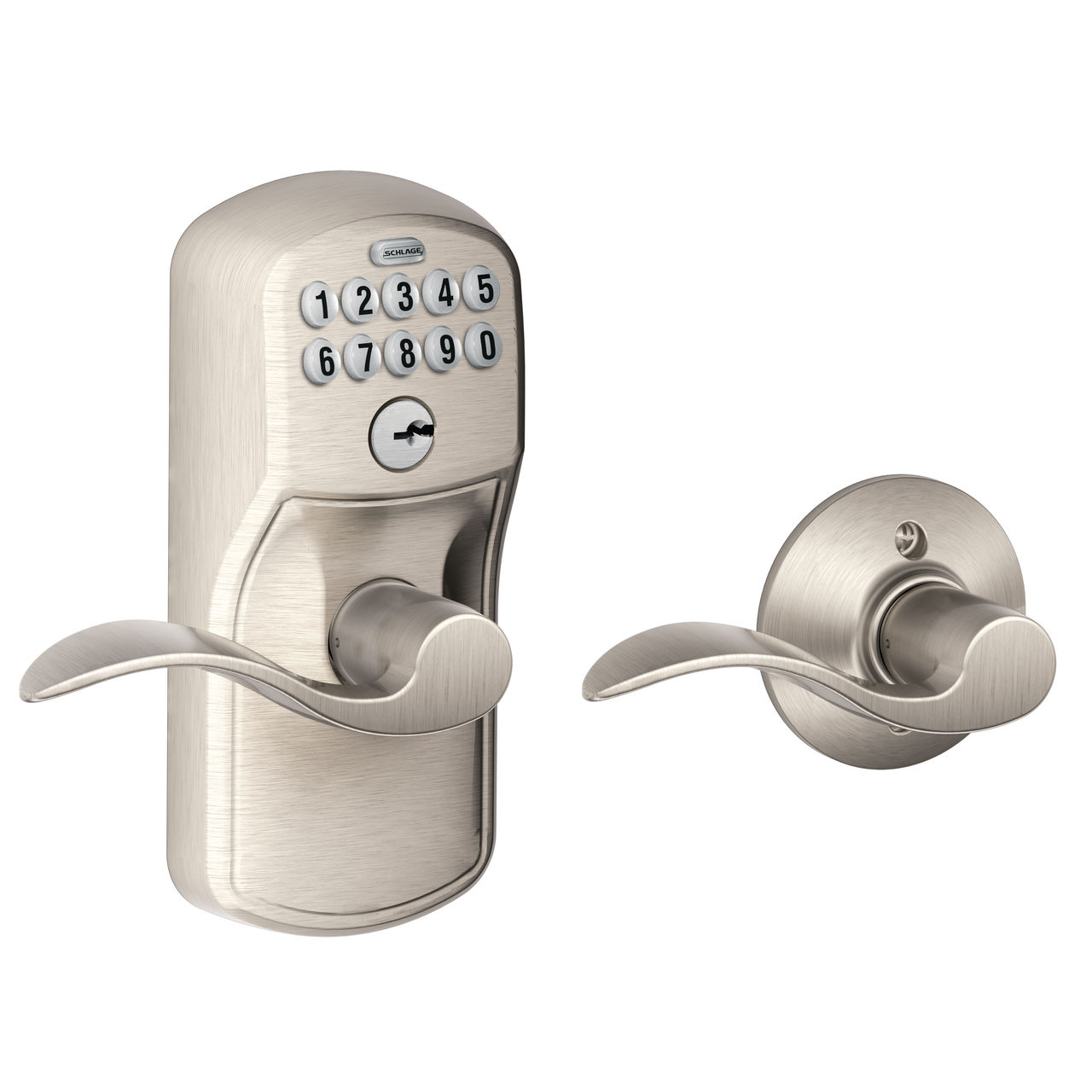
Credit: www.schlage.com
Test The New Code
After changing the code on your Schlage door lock, testing it is very important. This ensures the new code works correctly.
Testing helps you avoid getting locked out. It also confirms the lock accepted the new code.
Lock And Unlock Using The New Code
First, try locking the door with the new code. Enter the code on the keypad and press the lock button.
Next, unlock the door using the same code. Make sure the door opens smoothly without any delay.
- Enter the new code slowly and clearly
- Press the lock or unlock button after the code
- Wait for the green light or sound confirmation
- If the door does not respond, try again carefully
Troubleshoot Common Issues
If the new code does not work, check the battery level. Weak batteries can cause problems.
Make sure you entered the code correctly. Codes are case-sensitive and must be exact.
- Replace batteries if the lock is unresponsive
- Clear the keypad before entering the code again
- Reset the lock if it does not accept the new code
- Consult the user manual for error messages
Manage Additional Codes
Schlage door locks let you add extra codes for family and friends. Managing these codes keeps your lock secure and easy to use.
You can add new user codes or remove old ones to control who can enter.
Add Multiple User Codes
You can program many user codes into your Schlage lock. Each code lets a different person enter without sharing the same code.
Follow these steps to add a new user code:
- Enter the programming code on the keypad.
- Press the "Schlage" button.
- Press "1" to add a new user code.
- Enter the new code (usually 4-8 digits).
- Re-enter the new code to confirm.
- The lock will beep to confirm the code is added.
Delete Old Codes
Removing old codes keeps your lock safe. Delete codes that are no longer needed to stop access.
Use this process to delete a user code:
- Enter the programming code on the keypad.
- Press the "Schlage" button.
- Press "2" to delete a user code.
- Enter the user code you want to delete.
- The lock will beep to confirm the code is deleted.

Credit: www.youtube.com
Maintain Your Schlage Lock
Keeping your Schlage door lock in good shape is important for safety. Regular care helps the lock work well every day.
Changing the code and checking the battery are key tasks. These steps keep your lock secure and reliable.
Regular Code Updates
Change your Schlage lock code often to keep your home safe. Using new codes stops others from guessing your old one.
Pick codes that are easy for you to remember but hard for others to guess. Avoid simple numbers like "1234" or birthdays.
- Change codes every few months
- Use a mix of numbers for stronger codes
- Delete old codes you no longer need
- Write down new codes and keep them safe
Battery Replacement Tips
Replace the batteries in your Schlage lock before they run out. Low batteries can cause the lock to fail.
Check the battery level often. Use high-quality alkaline batteries for best results and longer life.
- Replace batteries once a year or when low
- Use fresh alkaline batteries only
- Open the battery cover carefully
- Insert batteries with correct polarity
- Test the lock after replacing batteries
Frequently Asked Questions
How Do I Reset The Code On My Schlage Door Lock?
To reset the code, enter the current programming code, press the Schlage button, then follow prompts to add a new user code. Always test the new code before locking the door.
Can I Change Multiple User Codes On Schlage Locks?
Yes, Schlage locks allow multiple user codes. Use the programming code to add, delete, or modify individual user codes via the keypad or app, depending on your model.
What If I Forget The Schlage Lock Programming Code?
If you forget the programming code, perform a factory reset on the lock. This erases all codes and restores default settings. Then, set a new programming code.
How Long Does It Take To Change A Schlage Lock Code?
Changing a code on a Schlage lock typically takes under five minutes. The process is straightforward with clear keypad prompts or app instructions.
Conclusion
Changing the code on your Schlage door lock keeps your home safe. It only takes a few simple steps to update the code. Always choose a number that is easy for you to remember. Avoid using obvious codes like 1234 or birthdates.
Regularly changing your code helps protect your property from unwanted access. Now you can feel more secure with your Schlage lock. Keep this guide handy for quick code changes anytime. Stay safe and in control of your home security.